Buy the Lenovo ThinkPad P16 Gen 3 if you want the highest VRAM you can realistically put on a desk with a Windows or Ubuntu LTS install today: an RTX PRO 5000 Blackwell with 24 GB of GDDR7, SO-DIMM RAM to 192 GB, and an Ubuntu 24.04 certification for the exact SKU. About 5499 dollars. Everything below that is a trade between VRAM, weight, and how much fight you want with the Linux story.
Workstation-tier means the GPU is the entire question. A 24 GB card runs a quantized 70B model in inference, runs comfortable 13B fine-tunes, and gets you to 30B inference at usable speed. 16 GB is the floor for “serious” local work in 2026; below that, you are doing 7B to 13B with quantization and renting cloud GPUs for the rest. Apple Silicon is the loud caveat: the unified memory ceilings look great on paper, MLX is a real framework, but if your stack needs CUDA it is the wrong machine. We say that at the bottom too. Shopping consumer-tier instead, under roughly 2500 with an 8 to 16 GB GPU? The AI and ML laptop guide covers that half of the market.
The top pick: ThinkPad P16 Gen 3
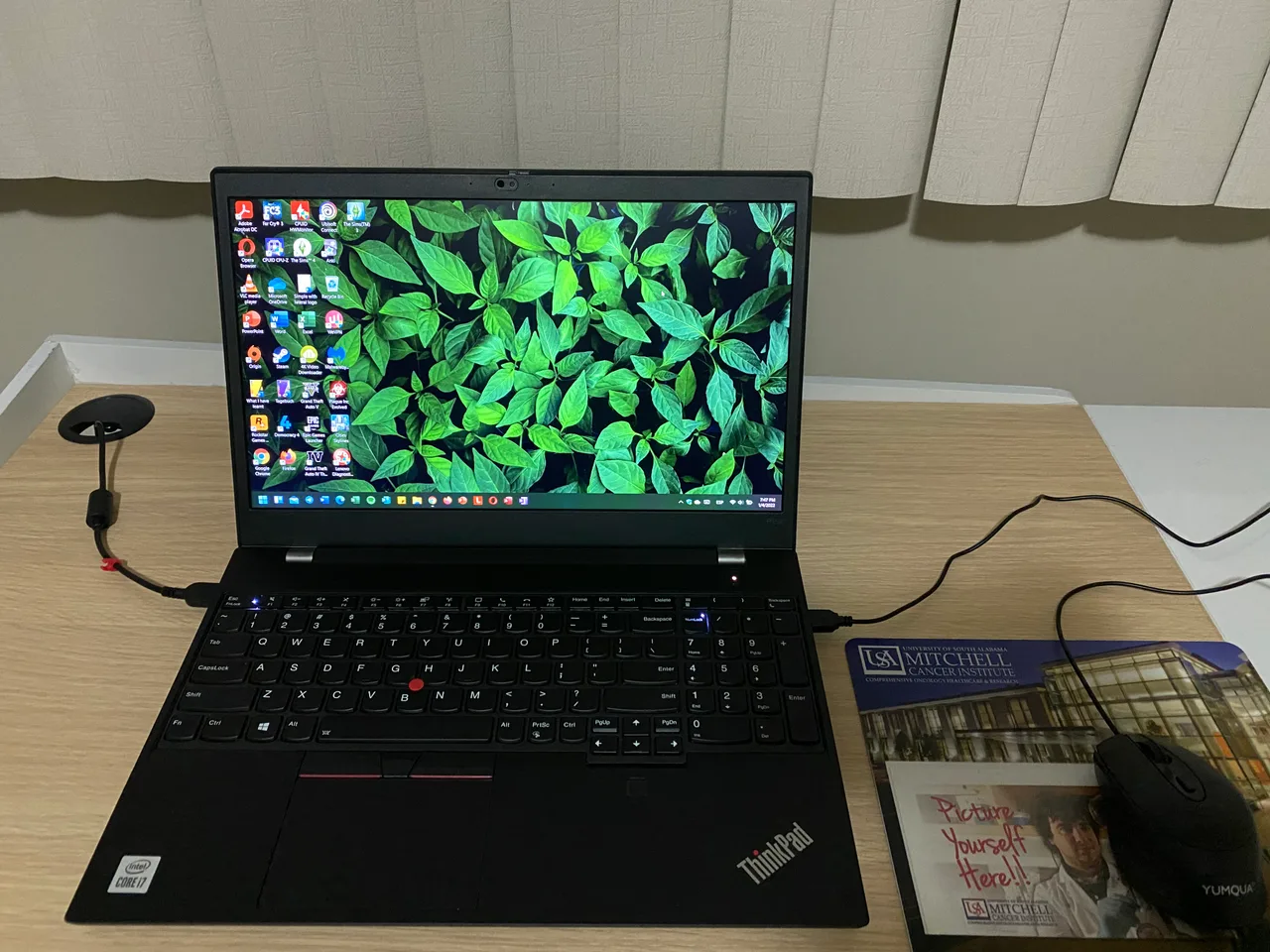
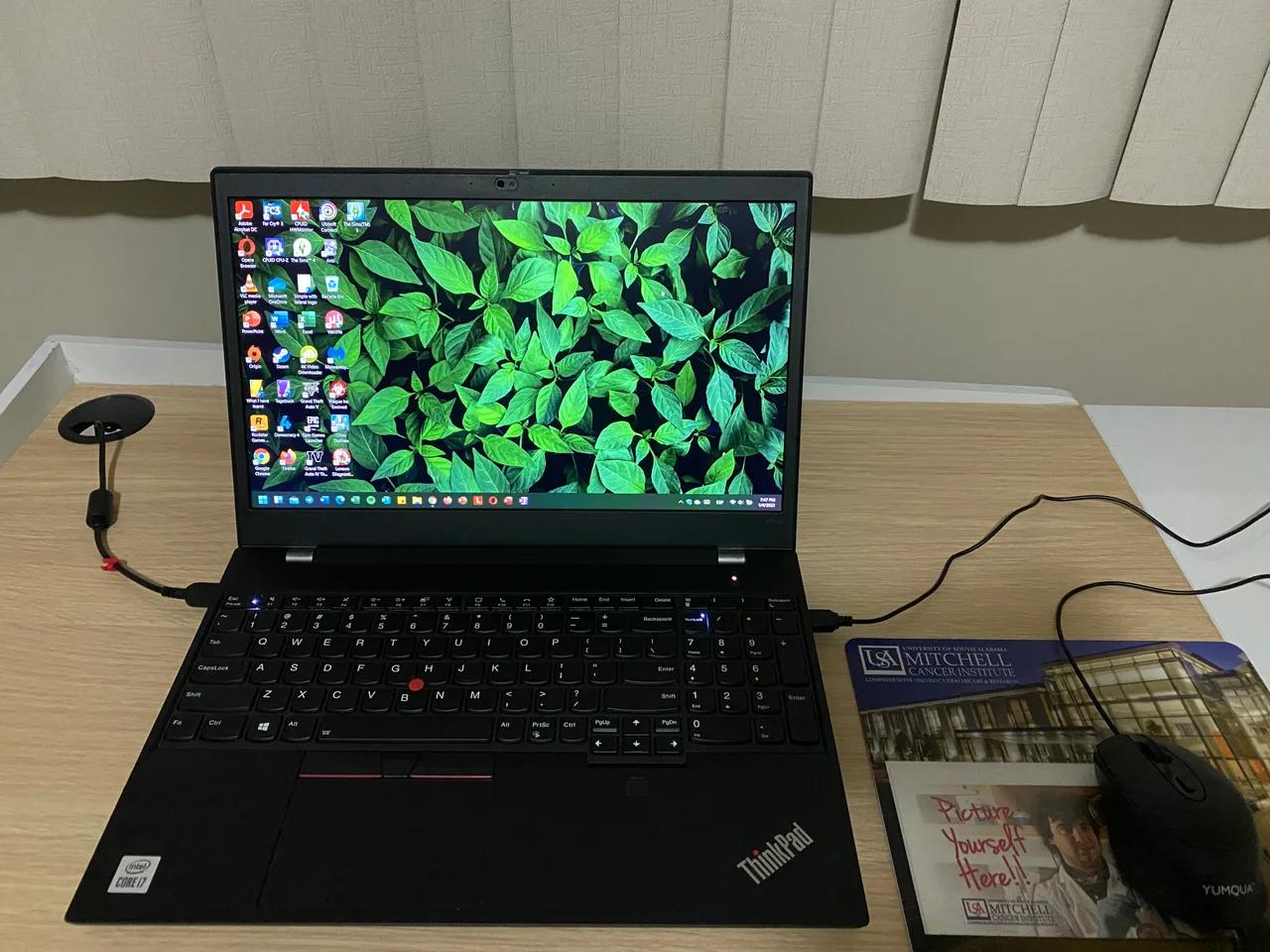
Arrow Lake-HX Ultra 9 285HX, RTX PRO 5000 Blackwell (24 GB GDDR7, CUDA compute capability 12.0), DDR5 SO-DIMM to 192 GB, and Lenovo’s Ubuntu 24.04 LTS certification on the same SKU you order. 2.74 kg, 99.9 Wh battery good for about 3 hours under any real load. From 5499 dollars or 5999 euro. The SO-DIMM ceiling is the load-bearing detail here. A 64 GB ship config is the entry point; you upgrade in two years instead of replacing the machine. Linux needs Ubuntu 24.04 with kernel 6.8 or later and the NVIDIA proprietary 555+ driver. CUDA 12.6 and PyTorch 2.4 work out of the box on that combination. Suspend on NVIDIA Optimus still wants a tune (nvidia.NVreg_PreserveVideoMemoryAllocations=1); that is the one documented chore.
The catch: it is 2.74 kg, the fans are loud under sustained load, and the 99.9 Wh battery is theatre when the GPU is pinned.
Lighter, less VRAM: ThinkPad P1 Gen 7
ThinkPad P1 Gen 7. The 16-inch carbon-fibre workstation: Intel Core Ultra HX, an RTX 4070 Laptop with 8 GB VRAM (CUDA compute capability 8.9), SO-DIMM RAM to 96 GB, and the Ubuntu certification. 1.86 kg, which makes it the lightest “real” workstation here. About 3369 dollars or 3699 euro.
8 GB VRAM caps you at quantized 7B and 13B inference and small LoRA fine-tunes. If your work fits, this is the right machine to actually carry. If it does not, the extra weight of the P16 is the cost of headroom. Same Optimus suspend caveat; kernel 6.8+ recommended.
Razer Blade 18 (2026)
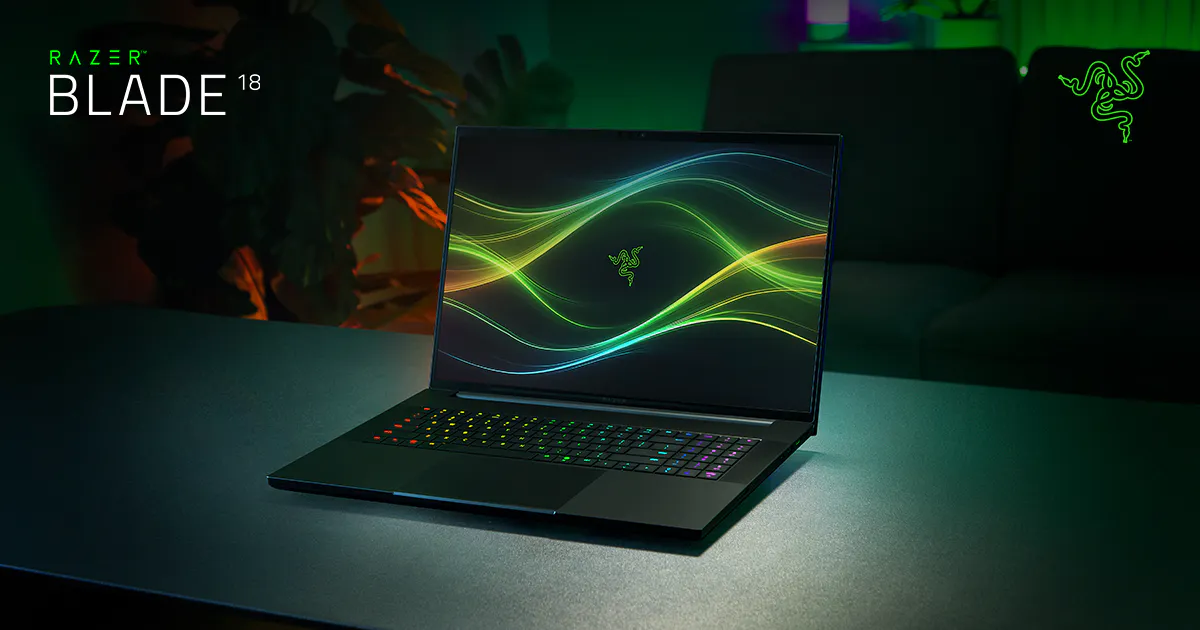
Razer Blade 18. 24-core 290HX Plus and a 200 W RTX 5090 Laptop with 24 GB GDDR7 (CUDA compute capability 12.0). 3.2 kg, dual-mode 4K 240 Hz panel, 99 Wh battery. From 3999 dollars and configures past 7000.
The 24 GB VRAM is the headline. The Razer Linux story is the catch. No vendor BIOS for Linux, no Razer-published Linux tooling, no per-key keyboard driver, suspend reportedly unreliable on Ubuntu LTS with the proprietary driver. People do run Ubuntu on this; nobody enjoys it. If you want the 5090 Laptop with the most VRAM in a Razer chassis, buy it and accept the Linux experience is problematic on our scale. RAM is slotted DDR5 to 96 GB, which softens the deal.
MSI Stealth 16 AI+ (2026)
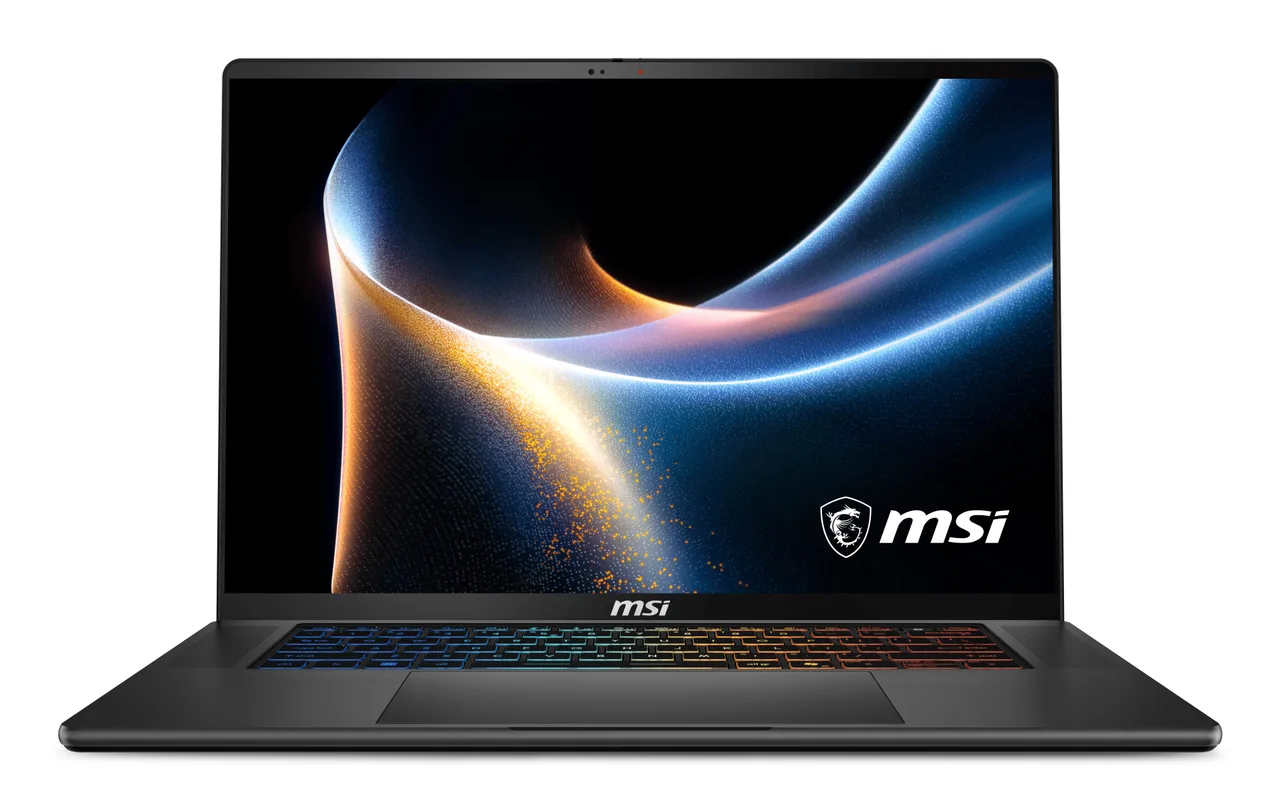
MSI Stealth 16 AI+ (B3W). Panther Lake CPU and an RTX 5080 Laptop, 32 GB of LPDDR5X soldered, 1.9 kg, 16 mm thin, 90 Wh battery. From about 2000 dollars. The 5080 Laptop sits at 12 GB VRAM, which is the awkward band: better than 8, worse than 16. Soldered RAM at 32 GB is the upgrade ceiling, so the model size you target today is the model size you keep. MSI has no Ubuntu certification on the consumer Stealth line, Panther Lake on Linux is still settling out (kernel 6.13+ recommended for the integrated graphics drivers), and the Stealth’s wireless and audio quirks have been documented on Phoronix. Linux status here we mark unknown; if you need a clean Ubuntu install today, this is not it.
MSI CreatorPro X18
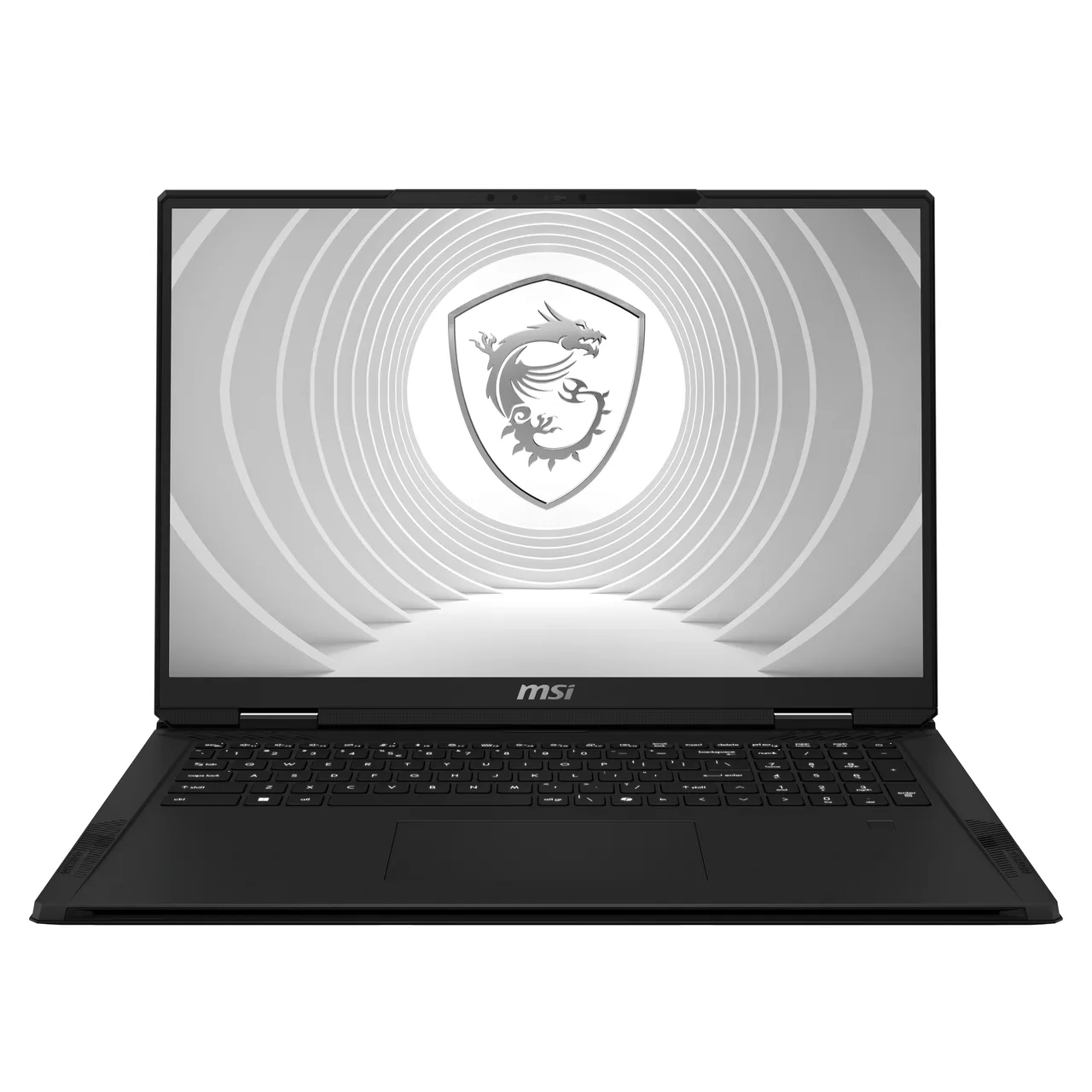
MSI CreatorPro X18 (2024). i9-14900HX, an RTX 5000 Ada Laptop with 16 GB GDDR6 (CUDA compute capability 8.9), 128 GB of DDR5 across four SO-DIMM slots (the only laptop here that hits 128 in shipping configs), a 4K 120 Hz mini-LED panel. 3.6 kg. About 5367 dollars.
The RTX 5000 Ada is the previous-gen workstation card, ECC GDDR6, Quadro-line driver stack, certified for the major creative apps. CUDA work runs fine. Linux is not certified by MSI on this SKU; kernel 6.8+, NVIDIA proprietary 550+, expect the usual MSI quirks around the keyboard backlight tooling. A focused 5000 Ada plus 128 GB of RAM is a desktop replacement for VFX and creative ML pipelines specifically, not a general LLM machine.
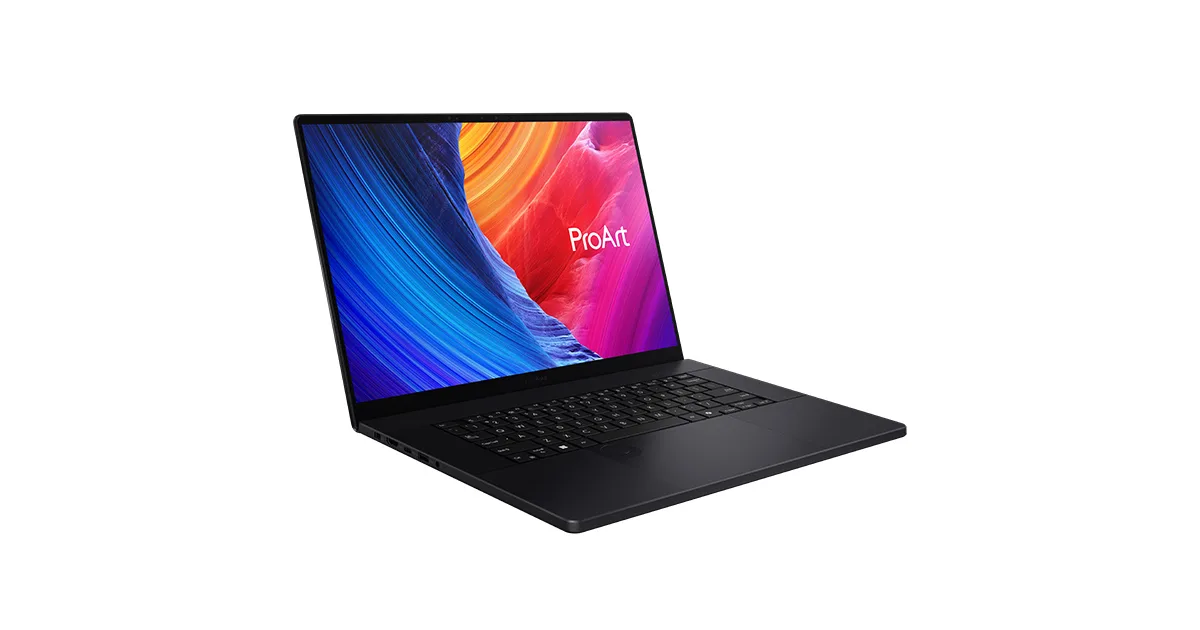
ASUS ProArt P16 (H7606, 2025)
ASUS ProArt P16 (2025). Ryzen AI 9 HX 370 and an RTX 5090 Laptop (24 GB GDDR7, CUDA compute capability 12.0), 64 GB of LPDDR5X soldered, 1.85 kg, a 4K 120 Hz Lumina Pro OLED, 90 Wh battery. About 4499 dollars.
The 5090 with 24 GB VRAM in a 1.85 kg chassis is the lightest “real” inference machine here. RAM is soldered at 64 GB, which is the cap; pick the config you keep. The Linux story is the second reason for this pick: ASUS has the strongest Linux ecosystem of any NVIDIA gaming or creator brand, through the asus-linux.org project (asusctl, supergfxctl, ROG-Control-Center). CUDA on Ubuntu 24.04 works after the proprietary driver install; the asus-linux tooling handles the suspend and GPU-mux quirks better than Lenovo’s stock setup. Kernel 6.11+ recommended for the AMD Ryzen AI 300 series NPU support.
The Linux-vendor row
These are the machines that ship with Linux on the disk, with the vendor on the hook for support:
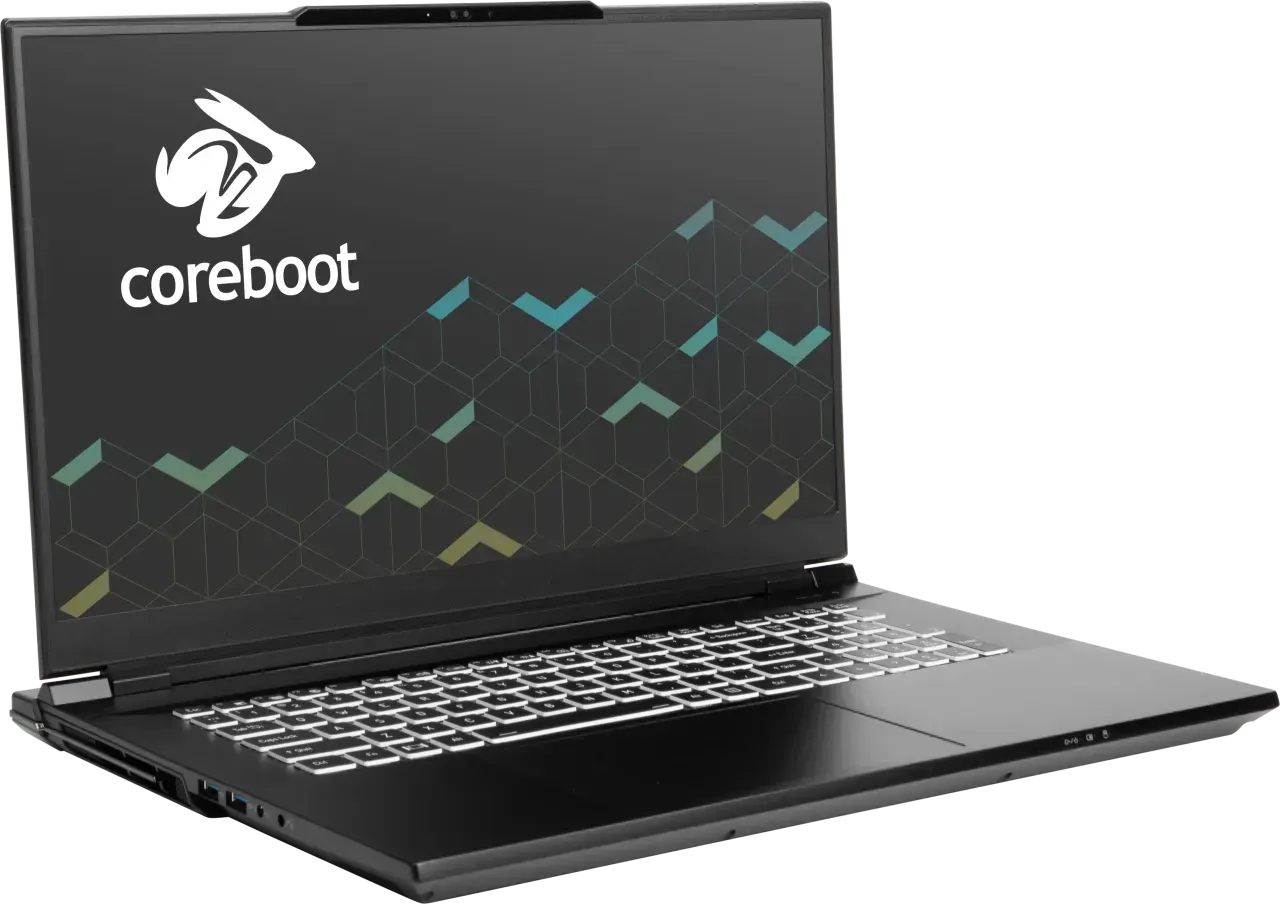
System76 Bonobo WS. i9-14900HX, RTX 4090 Laptop (16 GB VRAM, CUDA compute capability 8.9), SO-DIMM RAM to 192 GB, 3.3 kg desktop replacement. About 3299 dollars. CUDA is preconfigured. The reason to buy this over a Razer or MSI is the work somebody else already did on the driver stack and the suspend quirks. The trade is a 3-hour battery and a 350-nit panel; this is a portable desktop, not a laptop. Pop!_OS or Ubuntu LTS ship-ready.
System76 Adder WS. 2 kg, i9 plus RTX 4070 Laptop (8 GB VRAM). About 2099 dollars. The “actually carries” pick from System76; 8 GB caps the model size but the chassis is normal-laptop weight. Same Linux-native CUDA story.
System76 Oryx Pro. Strix Point and a 105 W RTX 5070 Laptop (8 GB VRAM, CUDA compute capability 12.0). 2.25 kg, from 2599 dollars. Newer hardware than the Bonobo, smaller VRAM, lighter chassis. COSMIC preinstalled.
Tuxedo Stellaris 16 Gen 7 (AMD). Zen 5 9955HX3D and an RTX 5070 Ti Laptop in the base SKU (12 GB GDDR7), upgradeable to a 5090 (24 GB). 2.65 kg, 32 GB slotted DDR5, TUXEDO OS or Ubuntu 24.04. From 2549 euro. EU buyers: this is the convenient one. The vendor-tuned GPU mux is the killer feature; suspend and hybrid graphics work without the usual Optimus tax. Kernel 6.11+ for the Zen 5 IO die fixes, which TUXEDO OS ships by default.
What Apple Silicon does and does not do
Unified memory makes a 36 GB or 48 GB MacBook Pro a real local-LLM inference machine for models that would not fit a discrete 16 GB card. MLX and PyTorch MPS are real frameworks. The hard limit: no CUDA. Most training stacks assume cuda(). If yours does, the MacBook is the wrong tool no matter what the spec sheet says. If your work is inference with MLX or HF Transformers via MPS, a 48 GB M4 Max is a quiet, fanless-at-idle local box that runs 14 hours unplugged. Different machine, different question.
What actually matters for ML and AI work
- GPU VRAM first. 8 GB caps you at 7B and 13B quantized inference and small LoRA. 12 GB clears most 13B fine-tunes. 16 GB is the headroom band. 24 GB runs 70B inference and 30B fine-tunes at usable speed. Above 24 GB on a laptop does not exist in 2026.
- CUDA compute capability matches your framework. Compute 8.9 (Ada) and 12.0 (Blackwell) both run current PyTorch and CUDA 12.x. Older Turing or Volta laptops are not on this list because the toolchain is dropping them.
- Kernel 6.8+ is the floor for current laptops on Linux. Arrow Lake and Strix Point need 6.11+ for stable iGPU and NPU support. Panther Lake wants 6.13+. Ubuntu 24.04.2 ships 6.11, 24.04.3 ships 6.13; pick the LTS point release that matches your hardware.
- RAM ceiling vs ship config. SO-DIMM machines (ThinkPad P-series, System76, Tuxedo, MSI Creator) let you start at 32 GB and grow to 96 or 128. Soldered LPDDR5X machines (ProArt, Stealth) make the ship config the permanent config.
FAQ
How much VRAM do I need to fine-tune a 13B model? 12 to 16 GB with LoRA and 8-bit quantization. 24 GB clears a full-rank fine-tune at modest batch sizes. Below 12 GB, plan to rent.
Is a MacBook Pro a real ML laptop? For inference and small fine-tunes through MLX or PyTorch MPS, yes; the 36 to 48 GB unified memory ceilings run models that do not fit a 16 GB discrete card. For CUDA training, no. Your code decides.
Should I just buy a desktop? If the machine never moves, yes. A desktop 4090 or 5090 has 24 GB VRAM at 350 W instead of 175, beats every laptop in sustained throughput, and costs less. Buy a desktop and a Framework 13 to drive it on the road.
Does CUDA work on Linux out of the box on these? Not exactly. You install the NVIDIA proprietary driver (555+ for the Blackwell SKUs, 550+ for Ada) and the CUDA toolkit package. The asus-linux.org tooling makes ASUS the least painful. System76 and Tuxedo ship it preconfigured. Razer ships nothing.
What about AMD ROCm on laptops? Still rough in 2026. Strix Halo APU on the ROCm path is the first credible AMD laptop story; the discrete Radeon mobile cards still have driver gaps. NVIDIA owns this on laptops for now.
Buy the P16 Gen 3 if you want VRAM and an Ubuntu certification. Buy the ProArt 5090 if you want VRAM and a 1.85 kg chassis. Buy a System76 or Tuxedo if you want Linux done for you. For everything else, the cheap-laptop-plus-cloud combination still wins; run the finder if you are not sure which side you are on.
More picks in this guide
-
Razer
Blade 18 (2026)
-
System76
Bonobo WS (bonw15)