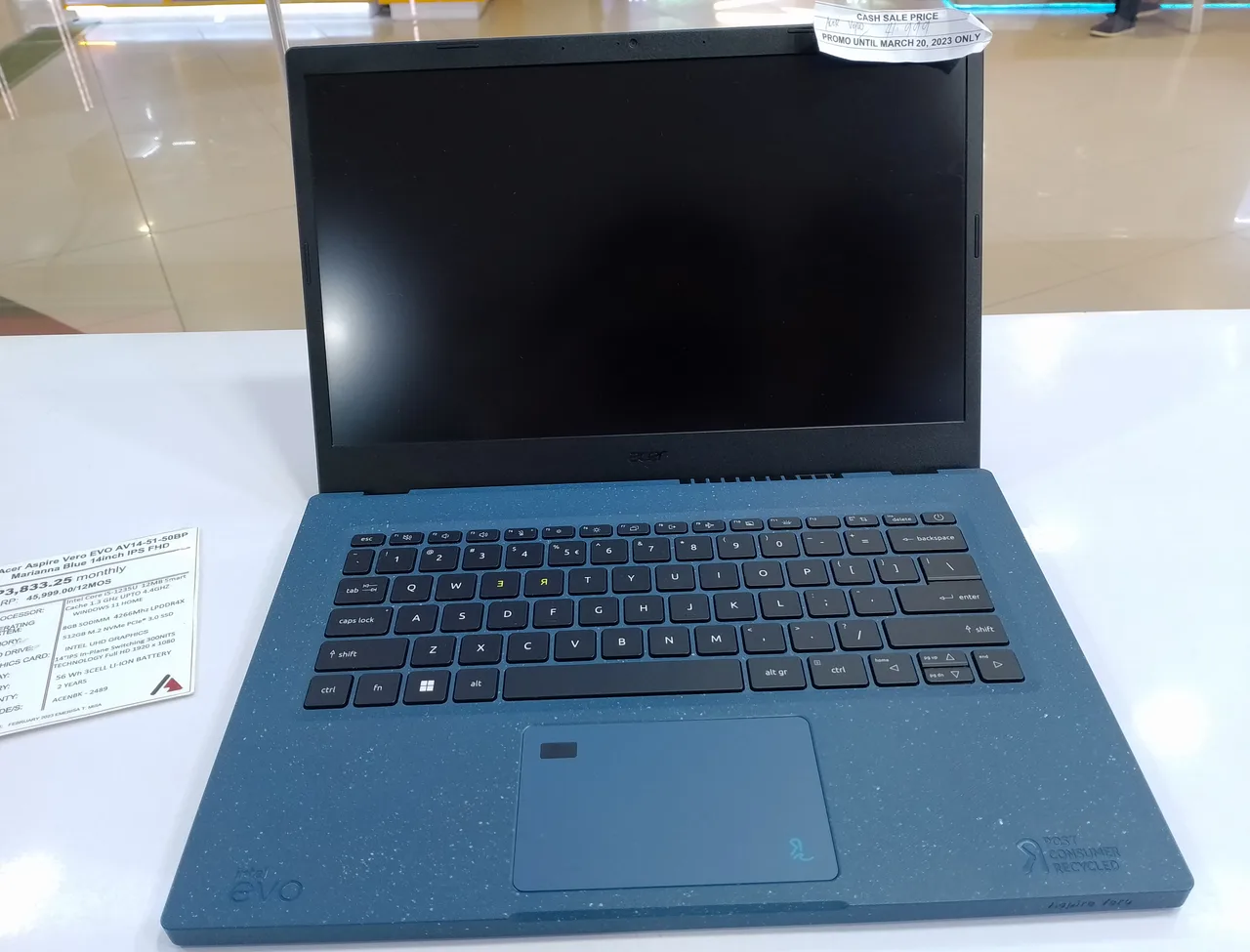
For nursing school, buy the Acer Aspire 14 AI: around 14 real hours of battery at 1.39 kg for 750 dollars, on a standard Intel platform that will not pick a fight with your programme’s exam software.
That last clause is the part every other nursing-laptop list skips. Most nursing programmes run proctored exams through lockdown software, and that class of software supports Windows and macOS, full stop; some of it is also picky about the newer ARM-based Windows machines. So the first rule of this purchase is not battery or weight: it is to open your programme’s exam-software system-requirements page and confirm the machine you want is on it. Every pick below is framed with that in mind.
Our pick: Acer Aspire 14 AI
Fourteen real hours of battery covers a clinical day plus the commute and the evening’s care plans without a charger. At 1.39 kg it carries through a hospital shift, the 65 Wh pack feeds a current Intel Core Ultra, and at around 750 dollars it leaves room in a student budget for the things nursing school actually drains money on. Our scores give it an 8 for value and a 9 for battery.
The honest limits: it is a sensible plastic-bodied mainstream laptop, not a luxury object, and nothing about it is exciting. For this degree that is precisely the brief. Because it is a standard x86 Intel machine, the lockdown-exam-software question is as low-risk as it gets; verify against your programme’s list anyway.
The alternatives, each with their catch
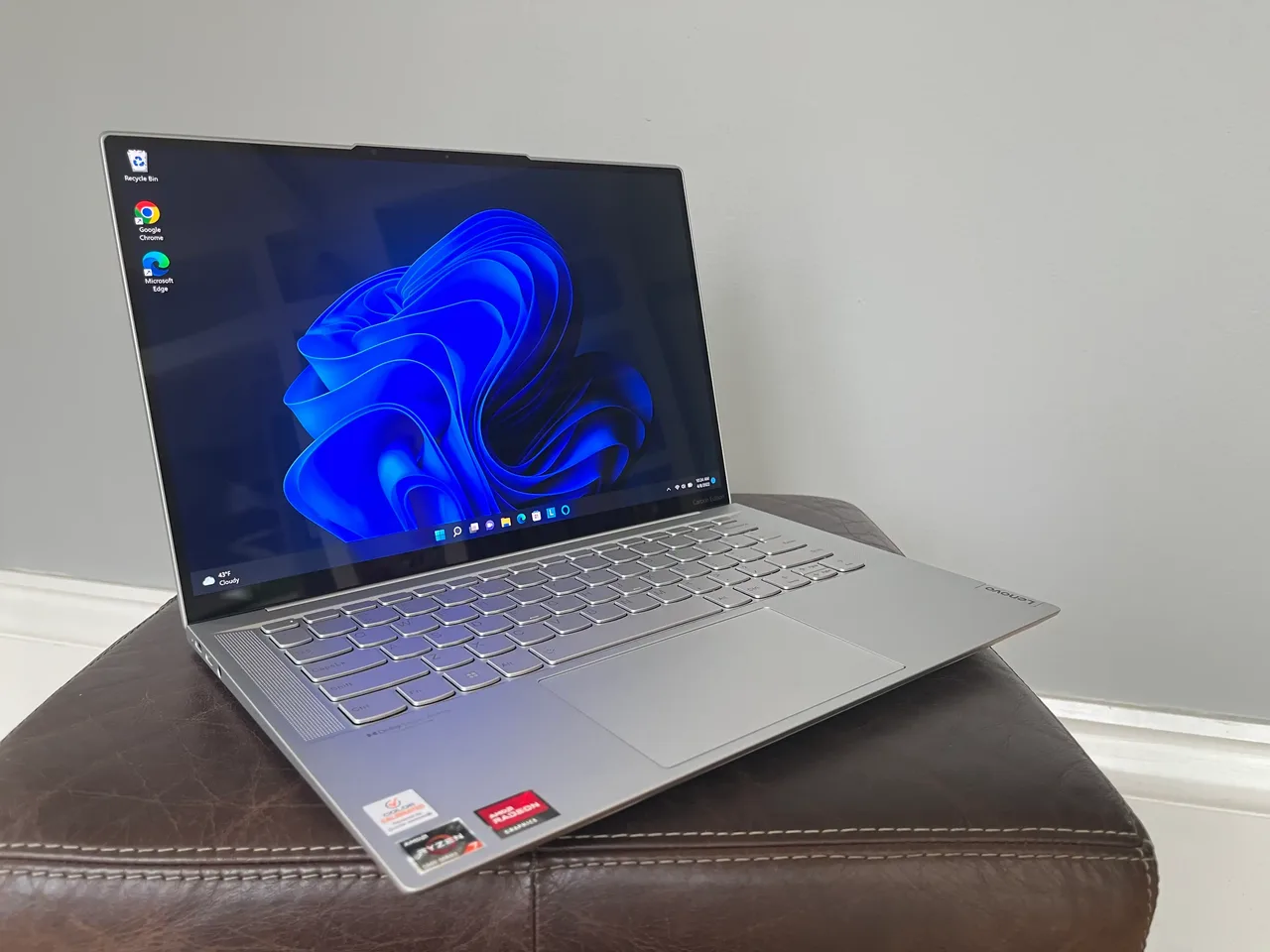
Lenovo IdeaPad Slim 5 14, the budget floor at 600. The pick of our student-budget guide: strong Ryzen platform, 16 GB, and a big 84 Wh pack that delivers about 8 real hours, a teaching day with care rather than a double shift. If 750 is too much, this is the honest step down, on equally exam-software-safe x86.
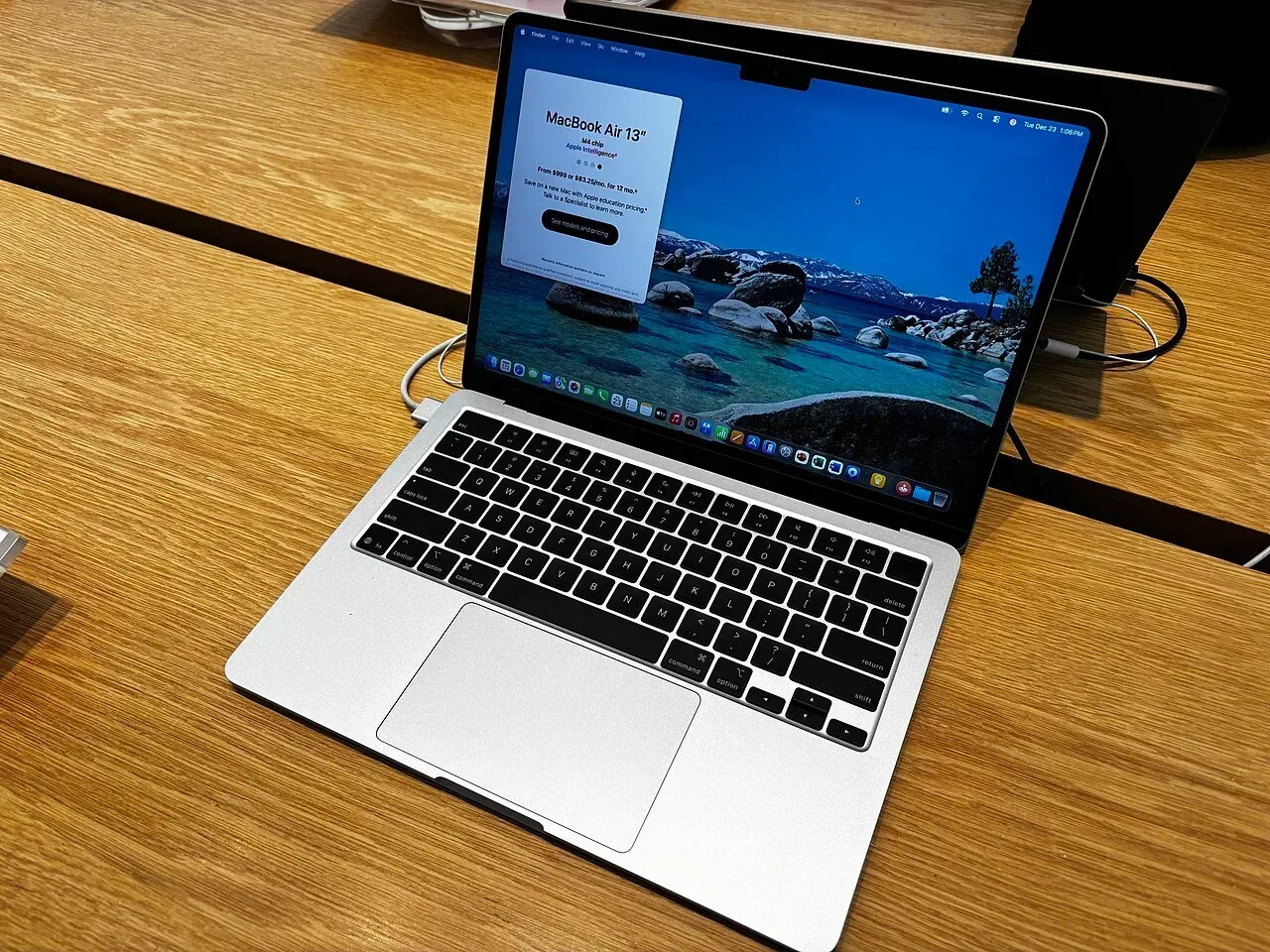
MacBook Air 13 (M4), the four-year stretch at 999. Fifteen real hours, 1.24 kg, 16 GB standard, and macOS is a first-class citizen for the proctored-exam tools. It is the machine that still feels fresh at graduation, and our value score of 9 says the premium is fair. Stretch to it if the budget bends; do not finance it.
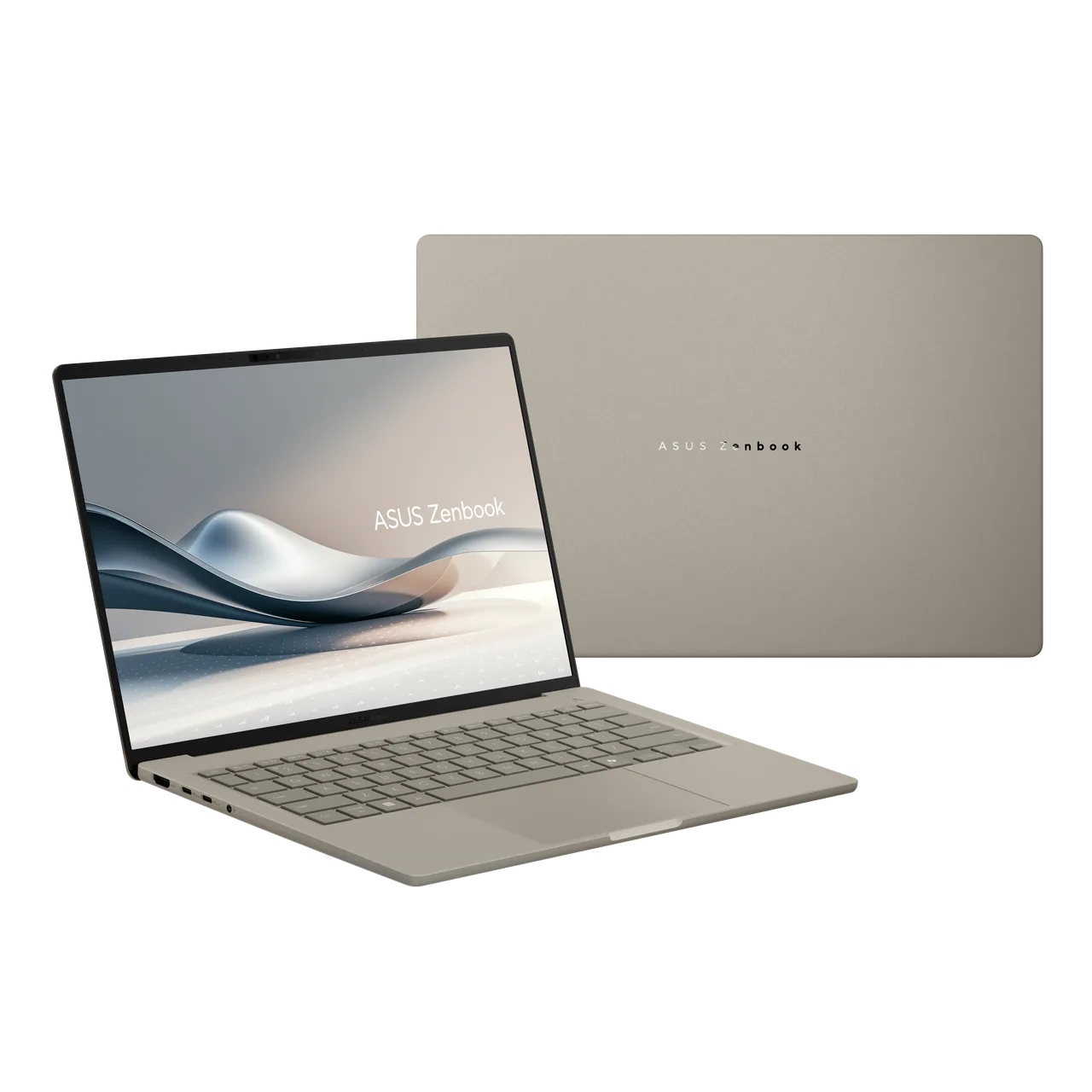
ASUS Zenbook A14, the featherweight, with the caveat that matters. Under one kilogram with roughly 18 real hours, the lightest long-runner we track. But it runs Windows on a Snapdragon ARM chip, and ARM is exactly where lockdown exam software gets finicky. If your programme confirms its tools run on ARM Windows, this is a dream nursing laptop; if you cannot get that confirmation in writing, buy the Acer instead.
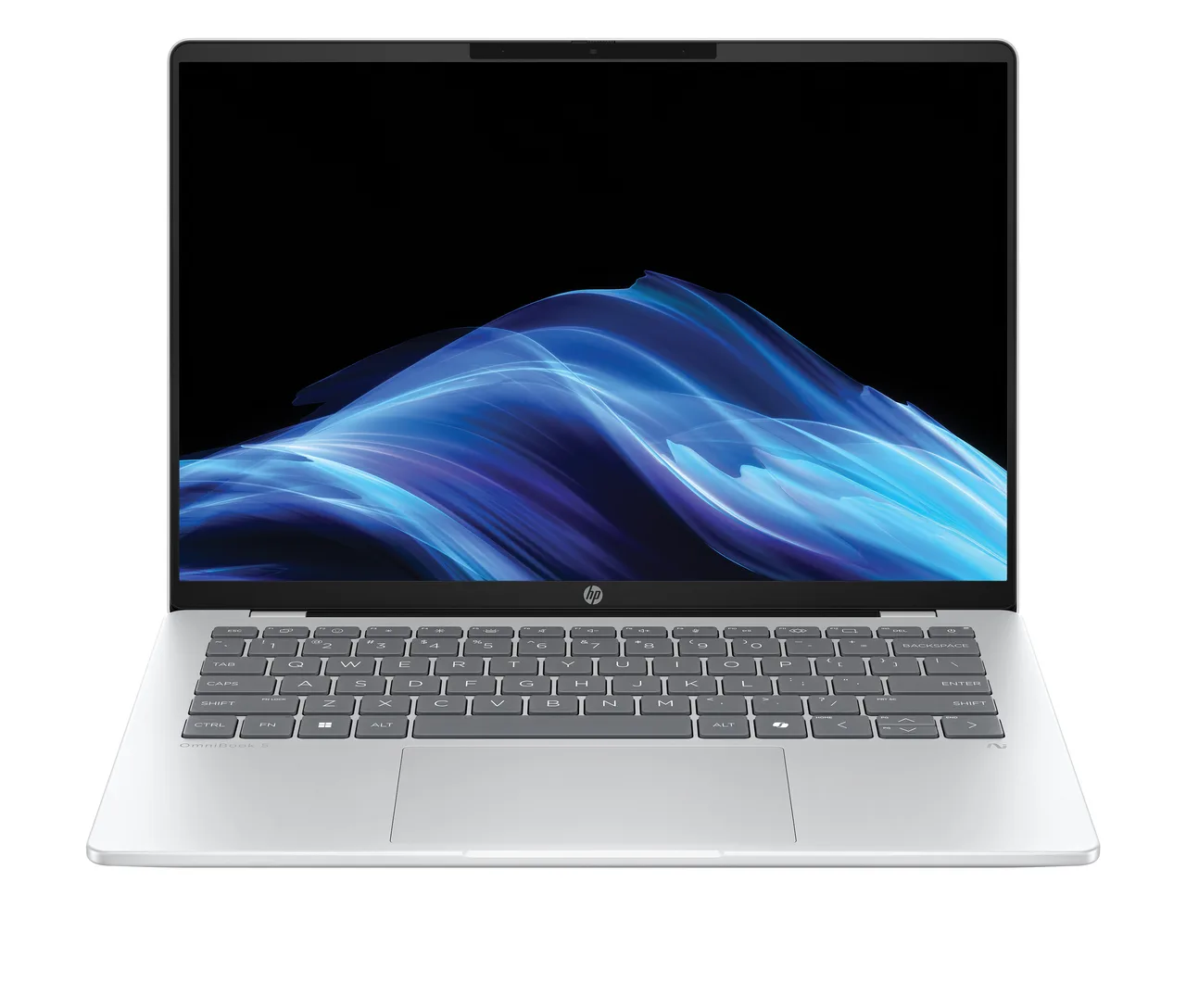
HP OmniBook 5 14, same story, bigger frame. About 18 real hours at 899, and the same Snapdragon asterisk as the Zenbook. Verify first, buy second.
What actually matters in nursing school
- Battery that outlasts a clinical day. Twelve-hour shifts with notes, charting practice and a commute leave no time to hunt for sockets. Fourteen-plus real hours is the comfortable bar; our pick and the stretch options all clear it, and every figure here is the real-world number from our database, not the box claim.
- Exam-software compatibility before anything else. Lockdown and proctoring tools dictate the OS. Windows and macOS are safe; ChromeOS generally is not accepted, Linux is not supported, and ARM Windows needs written confirmation. Check the system-requirements page for your programme’s specific tools before paying anyone.
- Weight you can carry on rotations. Between 1 and 1.5 kg is the band; everything here sits in it. A heavier 15-inch machine feels fine in September and miserable across a year of clinicals.
- A webcam and microphone that just work. Remote lectures, telehealth coursework and proctored exams all run through them. Every pick here uses standard, driver-free camera hardware on its native OS.
- Spill-adjacent common sense. No laptop on this page survives a full coffee. Buy a hard-shell sleeve with the change the Acer leaves you, and back everything up to the cloud from day one; clinical placements are where laptops get dropped.
A note from our corner of the web: this site grades every laptop for Linux, and for nursing school that column is the one place we will tell you to ignore it. Your exams will demand Windows or macOS; keep the Linux curiosity for a personal machine.
FAQ
What is the best laptop for nursing students? The Acer Aspire 14 AI: about 14 real hours of battery, 1.39 kg, 750 dollars, and a standard Intel platform that keeps proctored-exam software happy. The MacBook Air M4 is the stretch if the budget reaches 999.
Can nursing students use a Chromebook? Usually not as the only machine. The lockdown exam software most programmes require supports Windows and macOS, and ChromeOS is generally not on the list. Confirm with your programme before considering one.
Do nursing students need a powerful laptop? No. Charting practice, documents, browser research and video lectures are light work; every pick here is more than fast enough. Spend the budget on battery life and low weight instead of processing power you will never use.
Is a MacBook good for nursing school? Yes: macOS is broadly supported by proctored-exam tools, and the Air M4’s 15 real hours and 1.24 kg fit the work. It costs 999 against 750 for our pick; pay the difference for the longer service life, not for need.
How much battery life does a nursing student need? Enough to cover a clinical day plus study without a charger: fourteen real hours is the comfortable bar, and the figures in this guide are real-world numbers from our database, not manufacturer claims, which routinely run far higher than reality.
The Acer at 750 is the call. The IdeaPad saves 150 more, the MacBook buys longevity at 999, and the featherweight Snapdragons are wonderful exactly and only when your programme confirms its exam software runs on them.
More picks in this guide
-
Apple
MacBook Air 13 (M4)