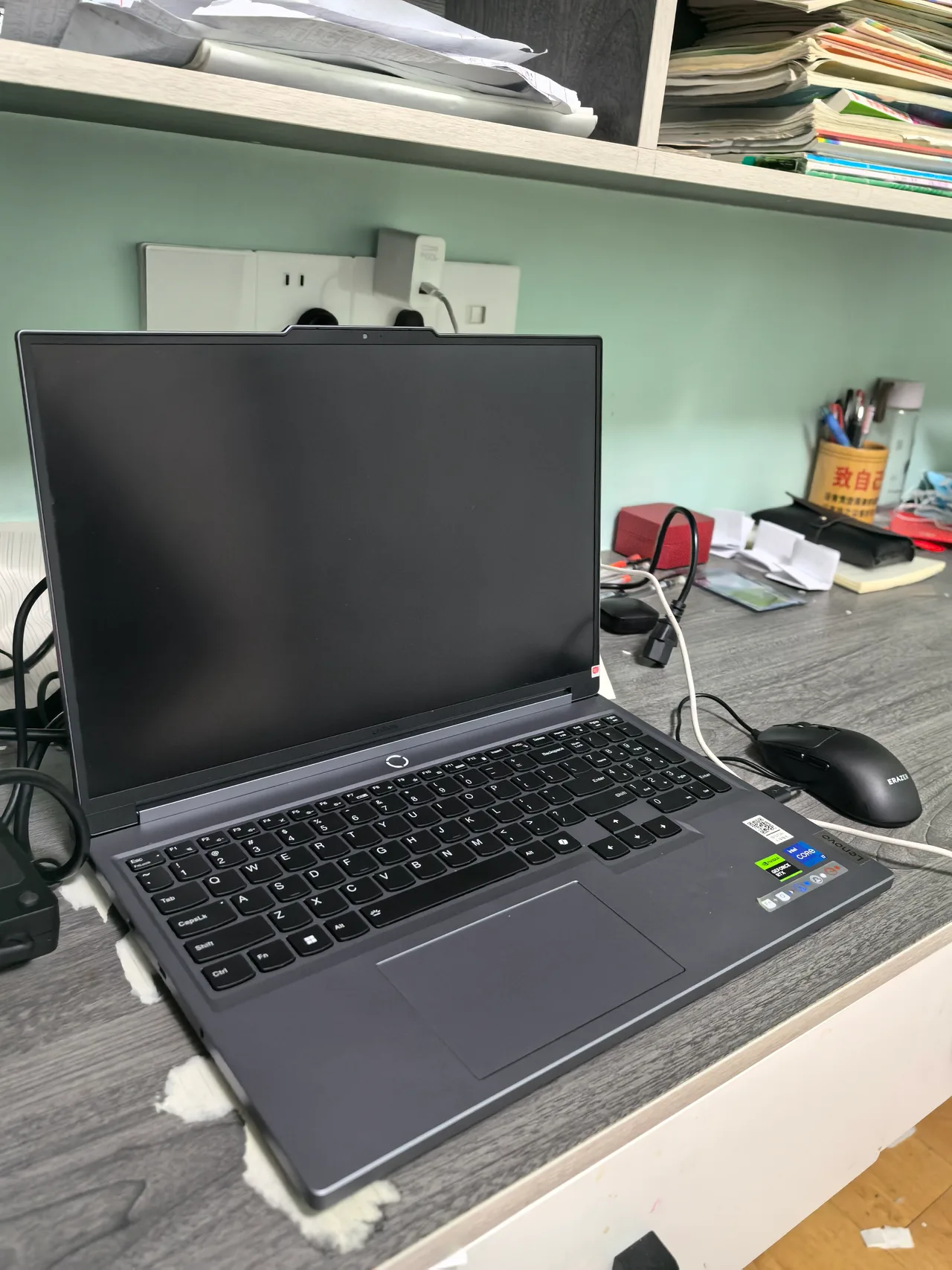
Buy by budget band. The picks below are the ones that hold sustained clocks long enough for a real 90-minute session, not the ones that score best on a 60-second benchmark. A laptop GPU at 175 W loses to a 350 W desktop GPU every time, so if the machine never leaves the desk, a tower plus a cheap laptop is still the cheaper answer. The rest of this page assumes you actually need the thing portable.
Linux is a sub-bullet, not the headline, on this page. RTX gaming machines all need the proprietary NVIDIA driver, all run Optimus, and most of the popular gaming brands ship without proper Linux tooling. The ASUS asus-linux.org project is the one bright spot. Razer and Alienware are not. We say so on each pick.
Around 1500 dollars: the budget pick
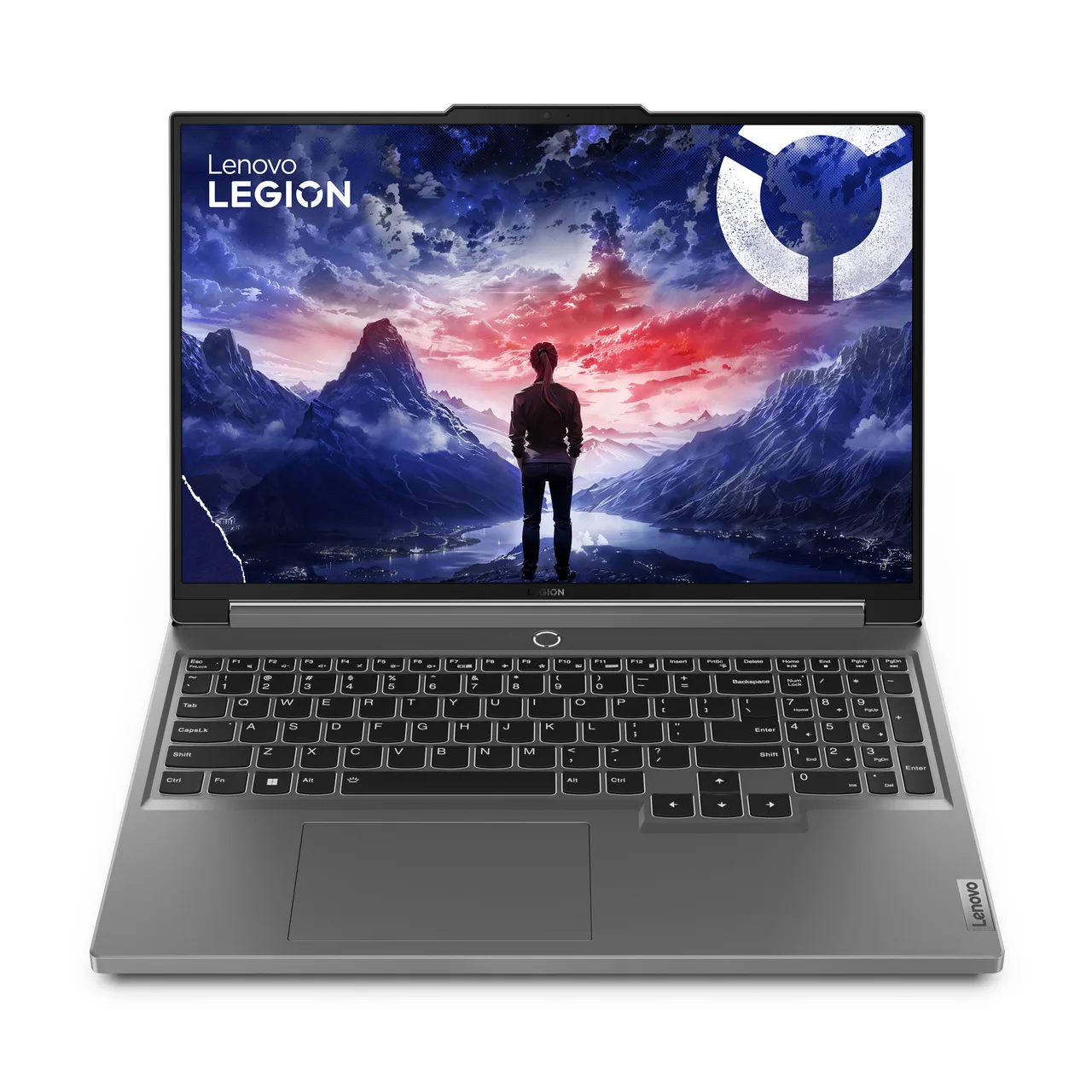
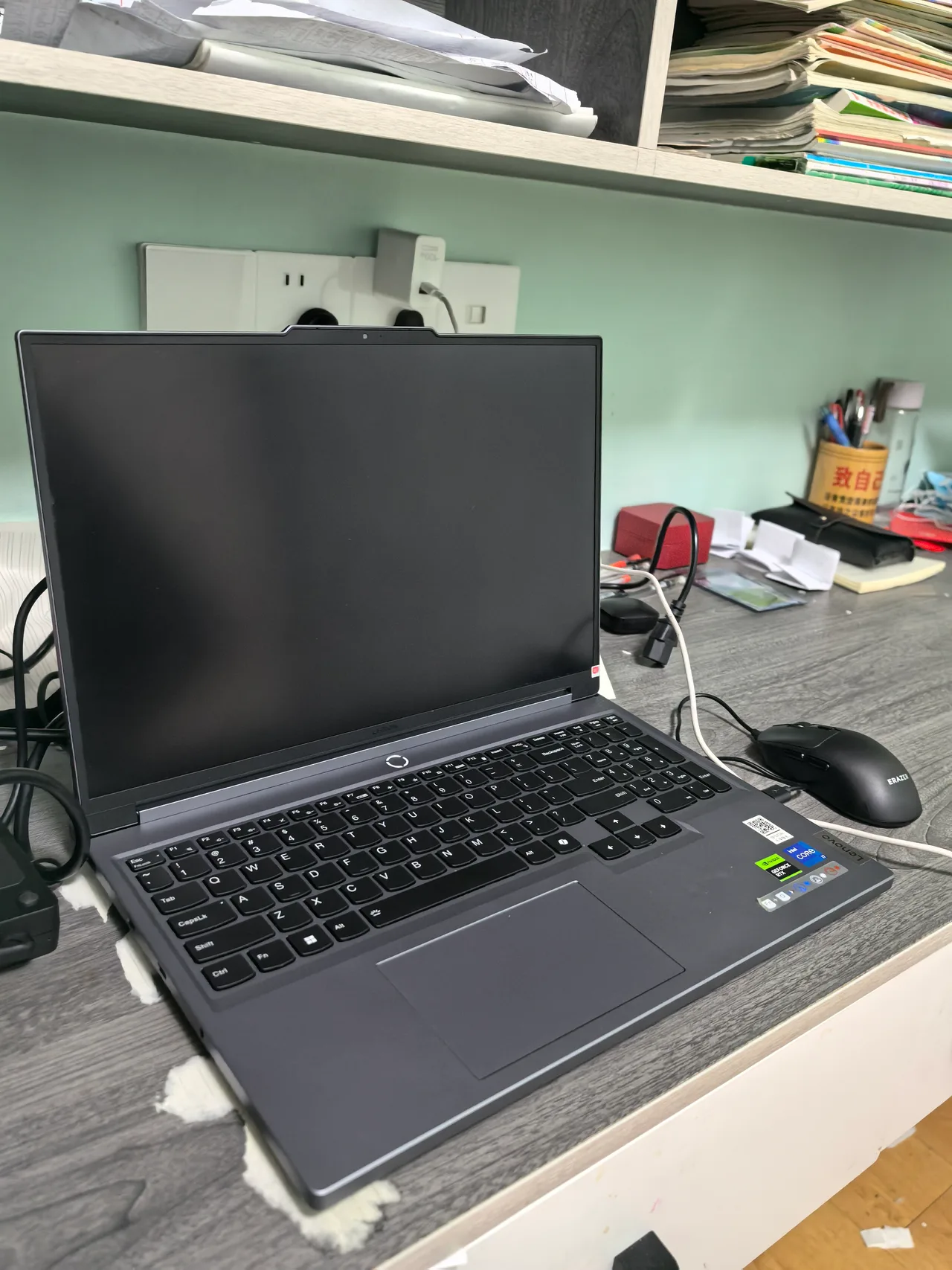
Lenovo Legion Slim 5 16. RTX 4060 Laptop with 8 GB VRAM, 16 GB of slotted DDR5, a 16 inch 2560x1600 IPS panel at 165 Hz, 2.4 kg, 84 Wh battery good for about 6 hours of light use. About 1399 dollars or 1549 euro. The 4060 is the floor for 1440p gaming and the QHD+ panel matches it; running it at the native res with DLSS in modern titles holds 60 to 90 fps in most settings according to Notebookcheck’s review numbers. The slotted RAM matters: 16 GB is the launch config and you will want 32 in two years. Linux is workable on Ubuntu LTS with the proprietary NVIDIA driver, the legion-laptop module, and the usual Optimus warning that suspend can be flaky until you tune it.
Alternative if budget is closer to 900 dollars: the Acer Nitro V 15 with an RTX 4050 and a 250-nit 1080p panel. It is honest cheap-gaming: dull screen, loud fans, 1080p only, and it plays modern titles at medium with DLSS. Skip it if you can stretch to the Legion.
Around 2500 dollars: the sweet spot
ASUS ROG Zephyrus G16 (2024). RTX 4090 Laptop at 16 GB VRAM, but the 4090 is power-limited to 115 W in this chassis, which means it runs about 15 to 20 percent slower under sustained load than a 175 W 4090 in a thicker machine. The trade is portability: 1.91 kg, a 2.5K 240 Hz OLED, and the best Linux tooling story of any gaming laptop here because of asusctl and supergfxctl. About 2899 dollars or 3199 euro. RAM is soldered, which is the one real downside. Buy this if you carry it daily and accept the lower sustained clocks for the lower weight. If it lives on a desk, the 4090 in the Legion Pro 7i (next band) is the better machine for the same money.
Cheaper sweet-spot alternative: the Lenovo Legion 7 16 (2024) at about 2000 dollars with a 130 W RTX 4070 Laptop, 32 GB of slotted RAM, the same 240 Hz QHD+ panel, and a 99.9 Wh battery that only lasts about 2.5 hours under load. A focused 4070 buy beats a power-limited 4090 in many real workloads.
Around 3500 dollars: the desktop replacement
Lenovo Legion Pro 7i Gen 9. RTX 4090 Laptop running the full 175 W, which is the configuration that actually beats the cheaper 4090 machines in sustained tests. 16 GB VRAM, slotted RAM, a 99.99 Wh battery good for about 4 hours unplugged on light use. 2.61 kg, loud under load, and the fans are not subtle. About 3220 dollars or 3499 euro. Linux runs on Ubuntu LTS with the legion-laptop module and the proprietary NVIDIA driver; suspend wants tuning and the per-key RGB needs an open-source helper that ships in a community PPA.
This is a desk machine that occasionally moves. Buy it if you want a 4090 to actually be a 4090. If you want a true ultraportable 4090, that is the Zephyrus G16 above, with the slower clocks the price of the lower weight.
5000 dollars and up: more is more
Razer Blade 16 (2026). RTX 5090 Laptop, 14.9 mm chassis, 2.14 kg, a 240 Hz QHD+ OLED at 1100 nits HDR peak, and Razer’s claim of 13 hours of productivity from the 90 Wh battery. Starts at 3500 dollars and configures past 5000 quickly. The Razer build is the best-looking machine on this list, and that is the entire reason it costs what it costs. Sustained clocks at 165 W are below the Legion Pro and the Strix Scar; thin chassis, hot air.
Linux is the catch and the catch is large. Razer ships no first-party tooling, no signed BIOS for Linux, no per-key keyboard driver, and combines Panther Lake with an NVIDIA dGPU which is a worst-case Optimus setup. You will install the proprietary driver, fight suspend, lose the per-key RGB, and probably keep Windows on a partition for games. The Linux readiness here is problematic. Buy the Blade for the chassis and accept it.
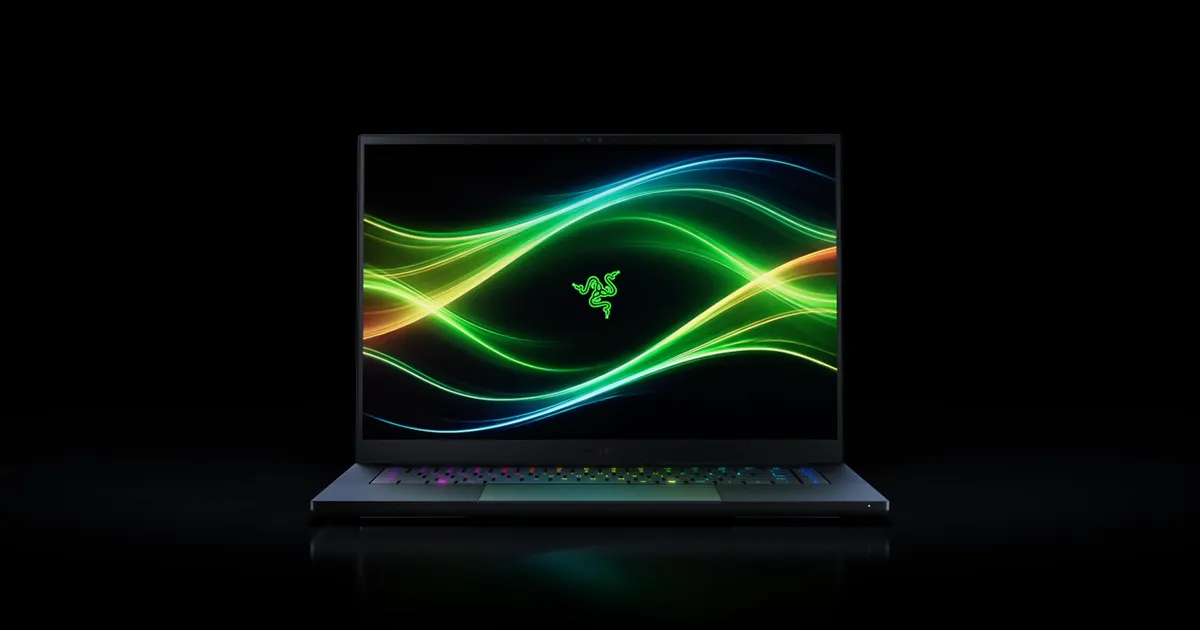
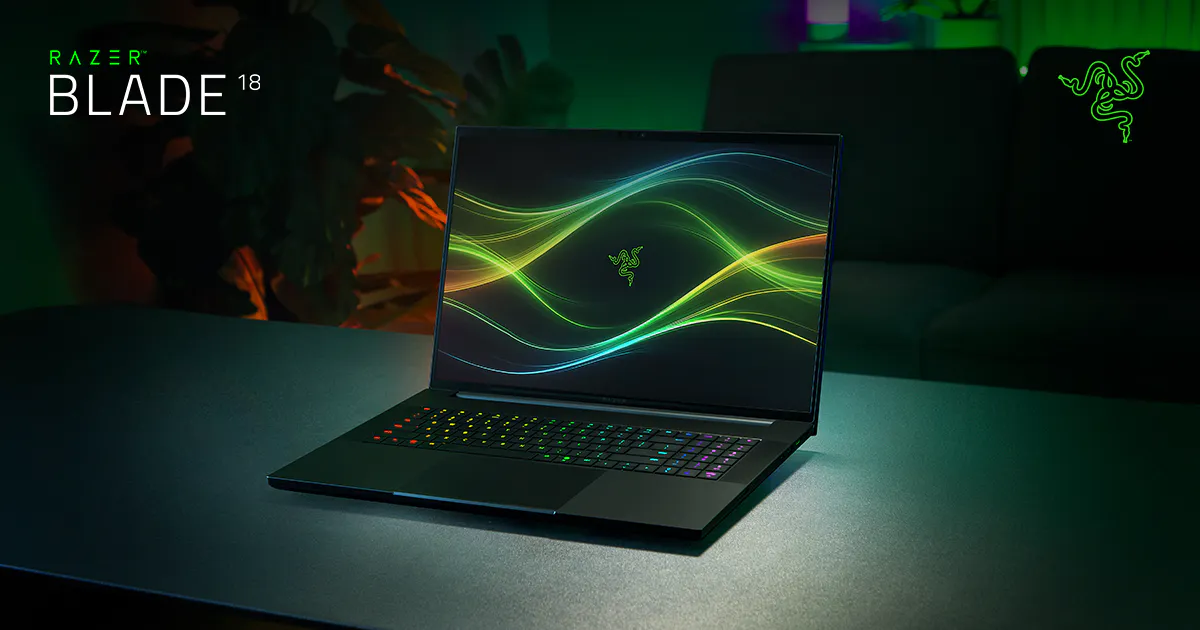
Razer Blade 18 (2026). Desktop replacement at 3.2 kg, 24-core 290HX Plus, a 200 W RTX 5090 with 24 GB GDDR7, and a dual-mode 4K 240 Hz panel that can drop to 1080p at higher refresh for esports. Starts at 3999 dollars, tops out near 7000. Same Razer Linux story: rough, no vendor tooling, NVIDIA proprietary required. This one is a transportable desktop. If you would have built a desktop and you cannot, this is what that money buys.
If you want the loud-but-correct alternative in this band, the ASUS ROG Strix Scar 18 runs a 5090 at the full 175 W, in a 3.31 kg chassis, behind a 240 Hz mini-LED panel, around 5799 euro. Slotted DDR5. The Strix has the asus-linux.org tooling story, which is the one reason to consider it over the Razer 18 if Linux matters.
What actually decides this for gaming
- Sustained wattage, not peak. A 175 W 4090 beats a 115 W 4090 by 15 to 20 percent over a 30-minute load. Marketing lists the chip; ask the review for the watt-budget. Notebookcheck and Hardware Unboxed both publish the sustained numbers in their full reviews.
- VRAM, then refresh, then panel. 8 GB caps modern titles at 1080p with texture compromises. 12 GB clears most 1440p workloads. 16 GB is the headroom band. Refresh and panel are the difference between “OK gaming machine” and “good gaming machine”; an OLED at 240 Hz is materially better than IPS at 165 Hz if you can see the difference (most people can).
- Linux only if you accept the work. Every NVIDIA Optimus laptop will install. The question is which vendor publishes the BIOS quirks and keyboard tooling. ASUS does (
asusctl,supergfxctl). Lenovo Legion has community tooling (legion-laptop). Razer and Alienware effectively do not. Pick on that if you dual-boot. - Battery is theatre. None of these will last a real session unplugged. A 99 Wh pack at full GPU pin is 30 to 50 minutes. Buy the charger first.
FAQ
Does Linux gaming work in 2026? Yes, with Proton and the proprietary NVIDIA driver, most Steam titles run within 5 to 10 percent of Windows in benchmarks like ProtonDB and Phoronix. Anti-cheat is the remaining wall: Valorant and a few others refuse to run on Linux. Check the title before you buy.
Is the RTX 5090 Laptop worth it over the 4090? Only if you need GDDR7 and the higher VRAM ceiling (24 GB on the Blade 18 SKU). For 1440p gaming at 165 Hz, a 175 W 4090 is functionally the same machine for a lot less money.
How many fps should I actually expect? We do not publish per-title numbers we did not run. Use Notebookcheck and Hardware Unboxed; their methodology is documented and their numbers are for the exact wattage SKU. A 175 W 4090 in Cyberpunk at 1440p with DLSS Quality lands in the 90 to 120 fps range across their tests; a 115 W 4090 lands 15 to 20 percent below that.
Will any of these last more than two hours gaming unplugged? No. The 4090 alone pulls 175 W; a 90 Wh battery is 30 to 45 minutes at that draw. Plan for the wall.
If you want a desktop, buy a desktop and a Framework 13. If the machine has to travel, the Zephyrus G16 carries the best, the Legion Pro 7i does the most actual work per dollar, and the Razer 16 is the one to buy when the chassis is the reason. Still uncertain, run the finder.
More picks in this guide
-
Razer
Blade 16 (2026)
-
Razer
Blade 18 (2026)