Head to head
Surface Laptop 7 vs MacBook Air M4: the ARM ultrabook fight
The Windows-versus-Mac ultrabook proxy fight of this generation: both run ARM silicon, both promise all-day battery, and buyers want to know which thin-and-light to commit to. The honest answer starts with which operating system you want to live in, because the hardware gap is smaller than the software one.
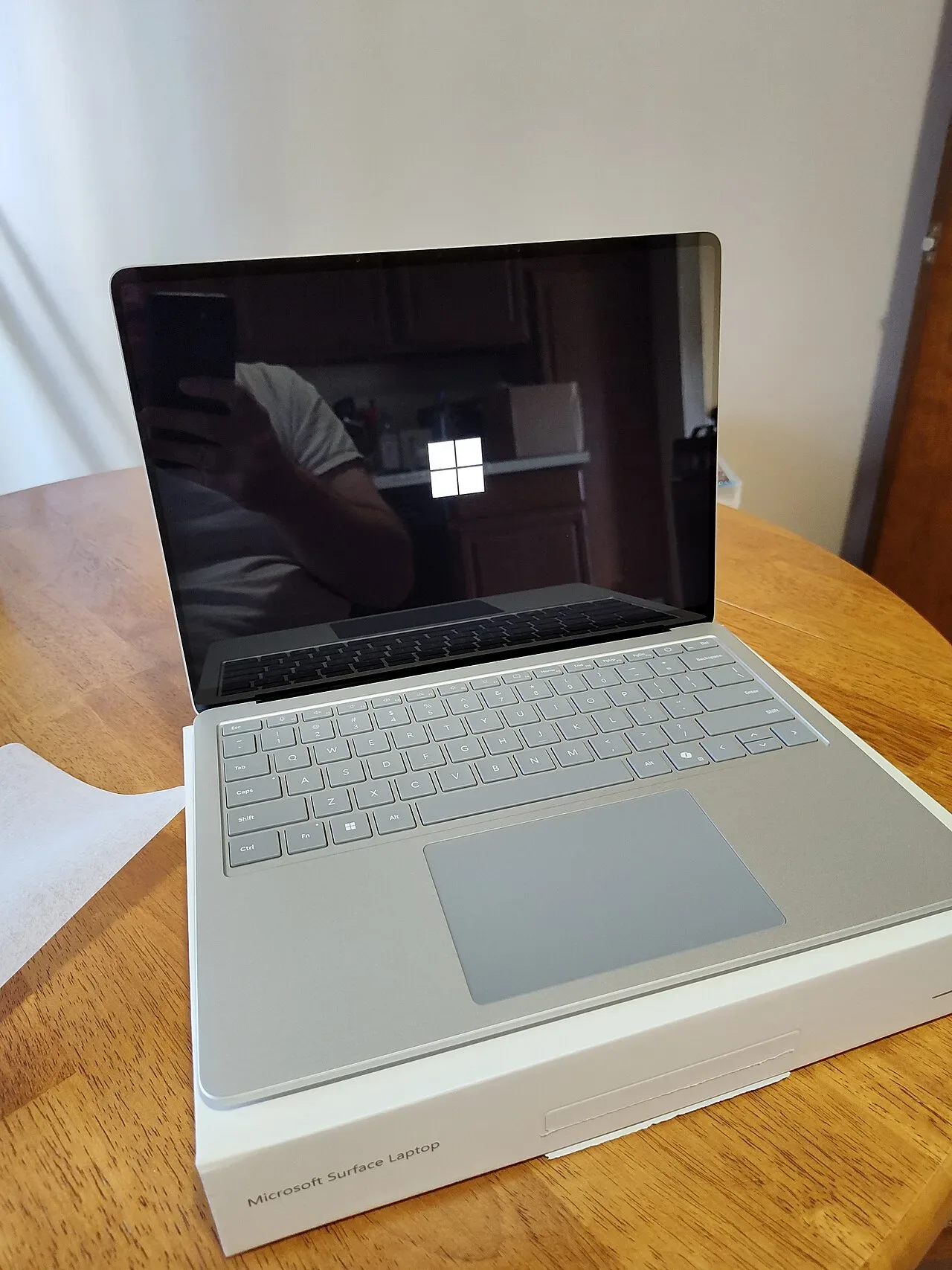
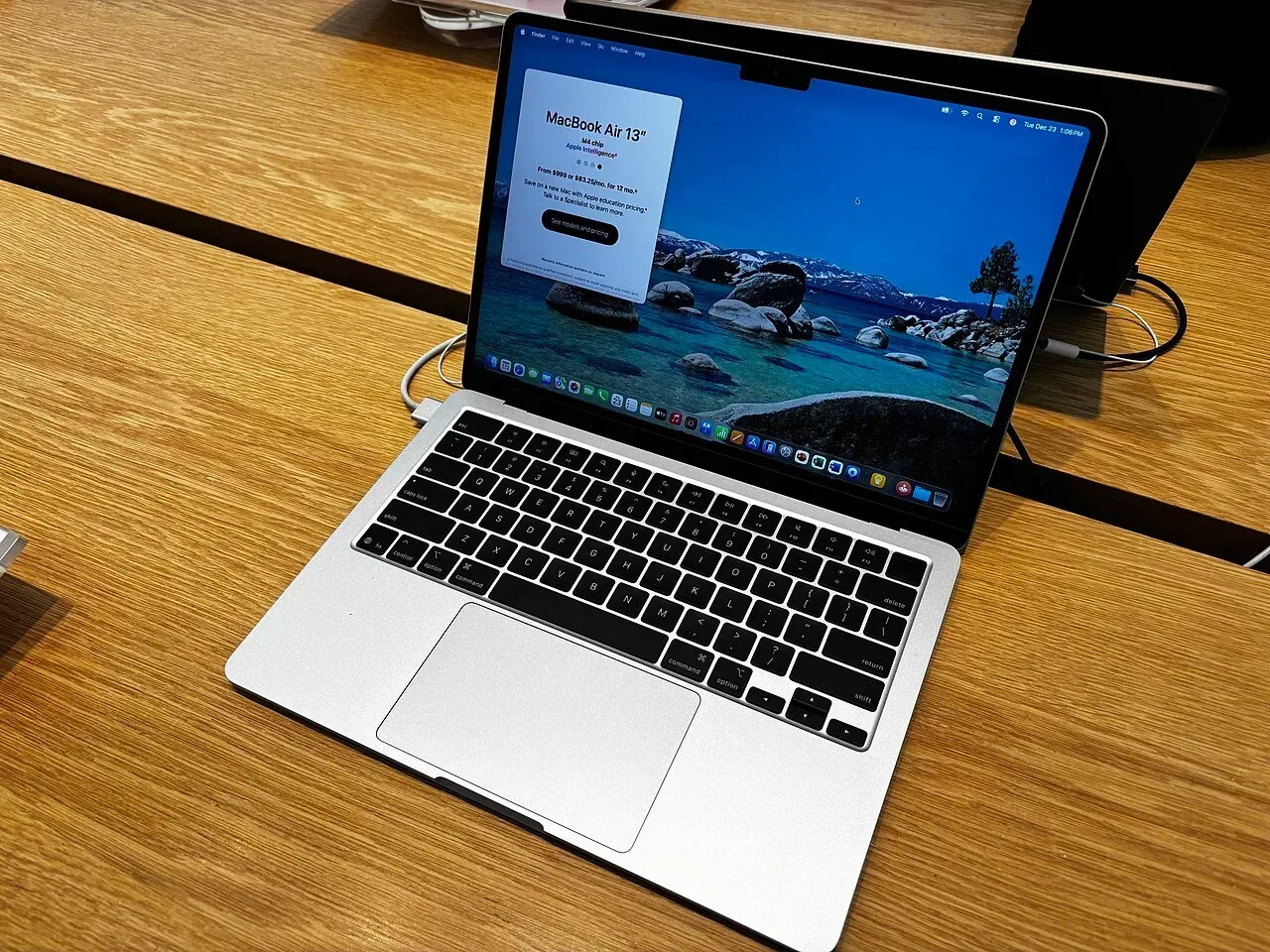
Specs at a glance
| Spec | Microsoft Surface Laptop 7 (13.8 inch, Snapdragon X Elite) | Apple MacBook Air 13 (M4) |
|---|---|---|
| Price | ~1199 USD +$200 | ~999 USD (best in row) |
| Released | 2024 | 2025 (best in row) |
| CPU | Qualcomm Snapdragon X Elite (ARM) | Apple M4 (10-core) |
| GPU | Qualcomm Adreno (integrated) | Apple M4 8-core GPU |
| RAM | 16 GB (soldered) | 16 GB (soldered) |
| Storage | 512 GB (best in row) | 256 GB −256 GB |
| Screen | 13.8" 2304x1536 @ 120Hz | 13.6" 2560x1664 @ 60Hz |
| Weight | 1.34 kg +0.10 kg | 1.24 kg (best in row) |
| Battery (real) | ~15 h | ~15 h |
| Linux | problematic | problematic |
The verdict
Pick the operating system first, because both machines are excellent and neither runs the other side's software story. If you are OS-flexible, the MacBook Air M4 is the sharper deal: 999 dollars against 1199, 100 grams lighter, the same 16 GB of memory, the same real 15-hour battery, and a 9 against 7 on our value score. What the Surface buys you for the extra 200 dollars is the better display, a 600-nit 120 Hz panel against the Air's 500-nit 60 Hz, and a 3:2 aspect ratio that suits documents. One warning applies to both: do not buy either for Linux. The Surface's Snapdragon X bring-up is still incomplete and the M4 generation barely boots Asahi; both grade problematic in our per-distro data.
Prices in the table are indicative RRP, not live. Some links are affiliate links; we may earn a commission at no extra cost to you. How we make money.
Two ARM machines, one lesson
Both laptops mark the same industry turn: thin machines on ARM chips with battery life that x86 ultrabooks spent a decade chasing. The Snapdragon X Elite and the Apple M4 both deliver roughly 15 real hours in our compiled figures, both run cool, and both are fast in the work a thin-and-light is bought for. The practical difference is software maturity. macOS on Apple Silicon is years into its transition and essentially seamless; Windows on ARM is far better than its false starts but still meets the odd installer, driver or game that expects x86. If your toolchain includes niche Windows utilities, check them before buying the Surface; if it is browsers, Office, media and mainstream apps, both platforms are past the pain.
Display: the Surface's honest advantage
The Surface Laptop 7 carries a 13.8-inch 2304x1536 panel at 600 nits with a 120 Hz refresh rate; the Air M4 has a 13.6-inch 2560x1664 panel at 500 nits and 60 Hz. The Surface is brighter outdoors and noticeably smoother in scrolling, and its taller 3:2 shape shows more of a document or a page of code. That is why it takes an 8 on our display score against the Air's 7. It is a real advantage, just not a 200-dollar-plus-the-rest advantage on its own: the Air's panel is still bright, sharp and colour-accurate. If you read and scroll all day and work near windows, weigh the Surface up; if the laptop lives indoors on a desk, the gap shrinks.
Weight, build and the daily numbers
The Air is 1.24 kg against the Surface's 1.34 kg, both with a 9-out-of-10 build in our scores and keyboards we rate equally at 8. Memory is 16 GB soldered on both compared configs, storage 256 GB on the Air's base against 512 GB on the compared Surface config, which softens the price gap a little: matching the Surface's storage on the Air costs extra at Apple's upgrade prices. Battery is a tie in practice, around 15 real hours each from 54 and 53 Wh packs. None of these rows decides the purchase on its own; they confirm that both are first-rate physical machines and push the decision back to OS and display.
The Linux reality on both, told straight
This is the angle most comparisons skip, and on this site it matters: both machines grade problematic for Linux, for different reasons. The Surface runs Snapdragon X, where the Linux bring-up is real but incomplete; our Ubuntu notes for it track an upstreaming effort that still leaves key hardware gaps on these exact laptops. The Air M4 means Asahi, and Asahi support for the M4 generation is still in early development. If native Linux is in your plans this purchase cycle, buy neither; an x86 ultrabook from our Linux hub will save you the frustration. If Linux is a someday-curiosity, that someday is closer on neither of these than the marketing suggests.
FAQ
Is the Surface Laptop 7 better than the MacBook Air M4?
It has the better display: 600 nits at 120 Hz against the Air's 500 nits at 60 Hz, in a taller 3:2 shape. The Air counters with a 200-dollar lower price, 100 grams less weight and equal battery life. On pure value the Air wins; the deciding factor should be whether you want Windows or macOS.
Do Windows apps run well on the Snapdragon Surface Laptop 7?
Mainstream software is in good shape on Windows-on-ARM, and emulation covers much of the rest. The risk sits in niche utilities, some drivers and some games that expect x86. Check your must-have apps before buying; if your work is browser, Office and media, you are unlikely to hit a wall.
Which has better battery life, the Surface Laptop 7 or the Air M4?
They tie in practice. Both land around 15 real hours in our compiled figures, from a 54 Wh pack in the Surface and 53 Wh in the Air. Either covers a full working day with room to spare.
Can the Surface Laptop 7 or MacBook Air M4 run Linux?
Not well, and that is true for both. The Surface's Snapdragon X platform has an active but incomplete Linux bring-up, and the M4 Air depends on Asahi, which is still early on this generation. Both grade problematic in our data; buy an x86 laptop if Linux is a requirement.